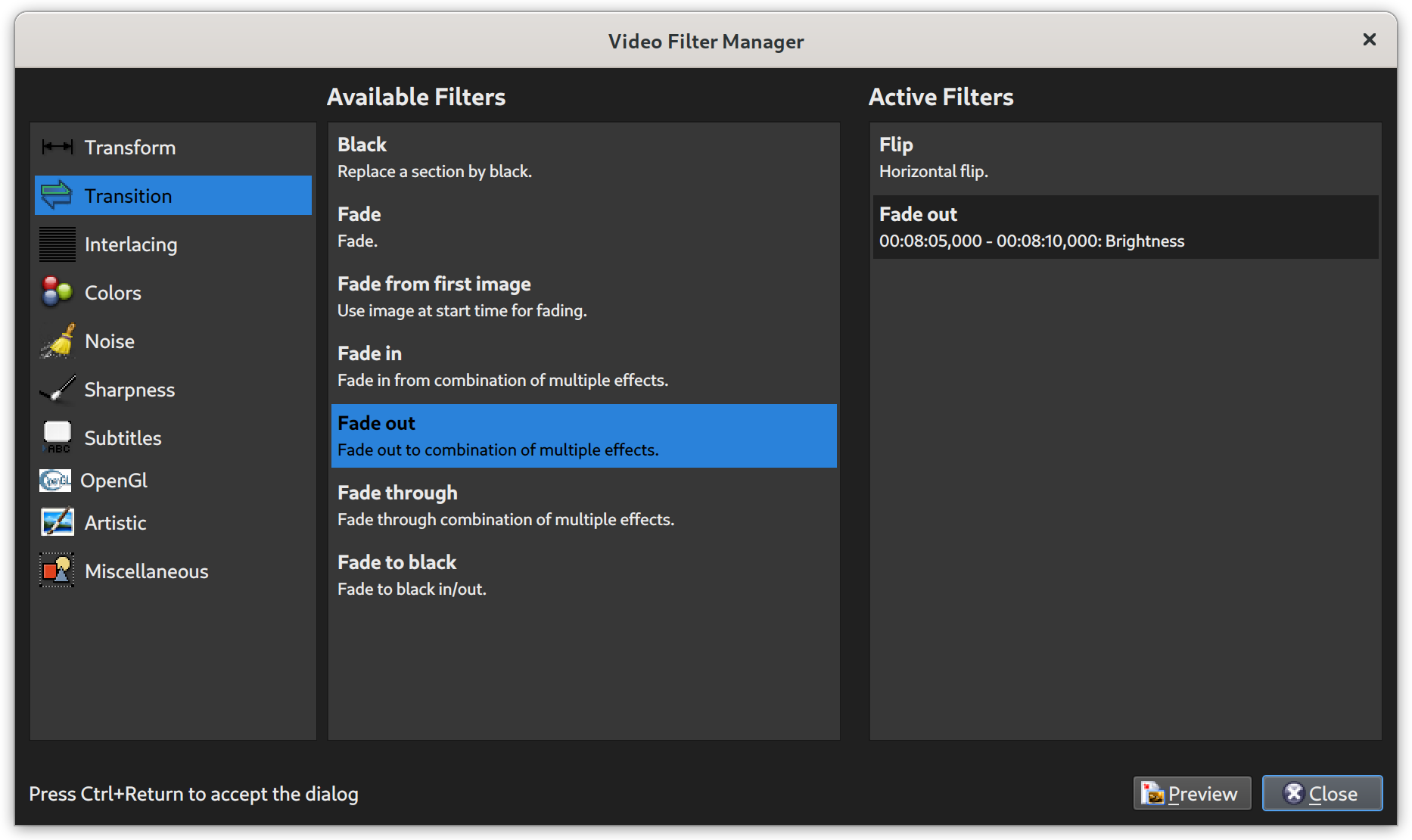
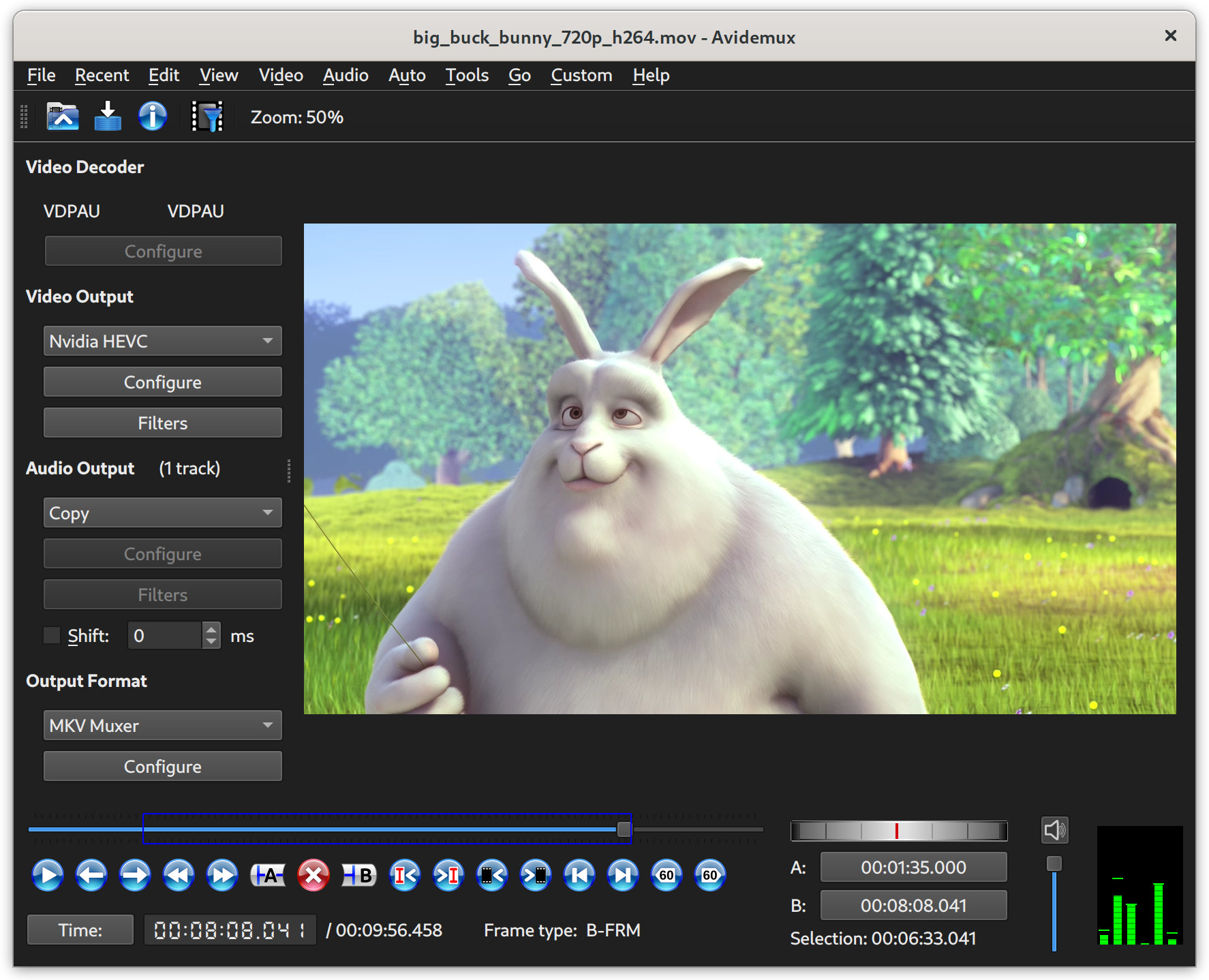
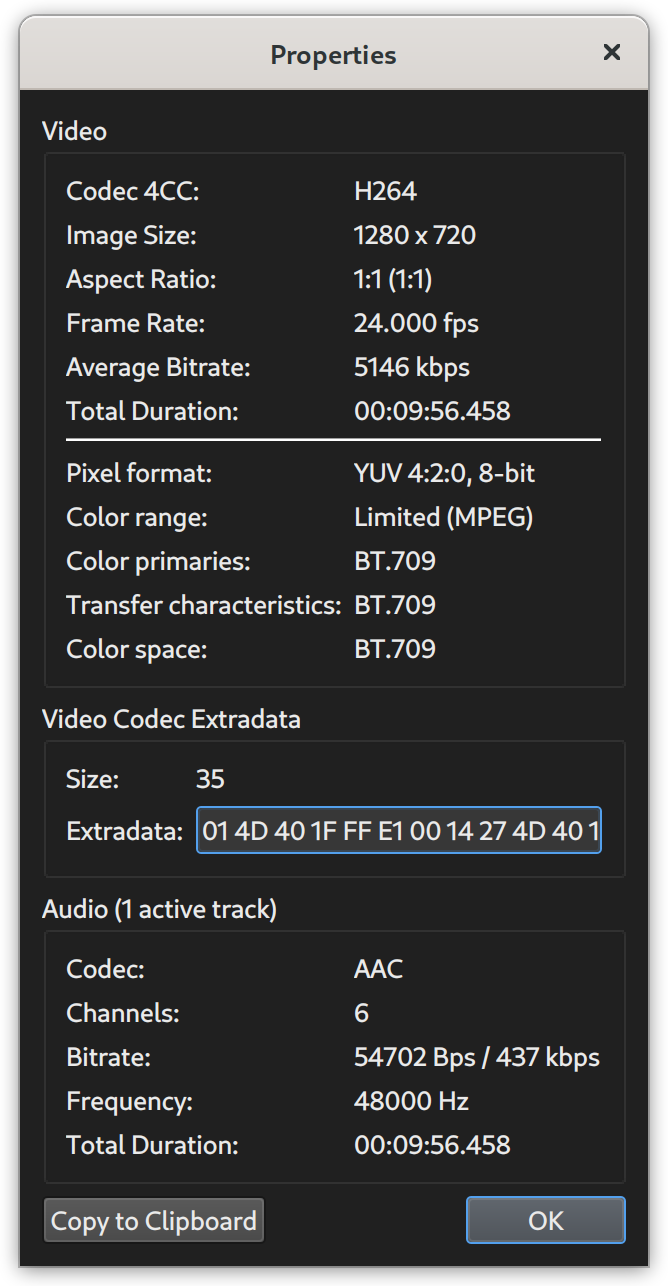
Avidemux is available for Linux, BSD, Mac OS X and Microsoft Windows under the GNU GPL license. The program was written from scratch by Mean, but code from other people and projects has been used as well. Patches, translations and even bug reports are always welcome.
Thursday, July 22, 2010
Avidemux - Free Video Editor
Wednesday, March 24, 2010
Mixxx - Free Digital DJ Software
- Free, open source DJ software for Windows, Mac OS X, and Linux
- MIDI controller support
- Superior mixing engine with recording, vinyl control, and more
- Created for DJs, by DJs
Monday, March 22, 2010
Unknown Device Identifier - Discover those yellow question mark labeled Unknown Devices
Unknown Device Identifier enables you to identify the yellow question mark labeled Unknown Devices in Device Manager. And reports you a detailed summary for the manufacturer name, OEM name, device type, device model and even the exact name of the unknown devices. With the collected information, you might contact your hardware manufacturer for support or search the Internet for the corresponding driver with a simple click. With this utility, you might immediately convert your unidentified unknown devices into identified known devices and find proper driver on the Internet and contact the hardware device manufacturer or vender. Known devices recognized by Microsoft Windows will also be analyzed independent of the operating system.
You are suggested to do a thorough driver backup with My Drivers after you have identified all the unknown devices with their proper device drivers software installed.
Supported OS: Windows 95, Windows 98, Windows 98SE, Windows Me, Windows 2000, Windows XP, Windows Server 2003, Windows Server 2008, Windows Vista, and Windows 7. Future OS are supported via the online update. You might even run the small freeware utility from CD or floppy.
Features
- Identify USB 1.1/2.0/3.0 Device
- Identify IEEE 1394 Device
- Identify ISA Plug&Play Device
- Identify AGP Bus Device
- Identify PCI, PCI-E, eSATA Device
- Multilingual interface: English, French
- Find Drivers for Hardware Devices
- Contact Hardware Vender directly
- Save or Print Hardware information
Saturday, March 20, 2010
IZArc - Free Archive Utility
Thursday, March 18, 2010
doPDF - Free PDF Converter
- It’s free - PDF converter free for both commercial and personal use.
- 32-bit and 64-bit support - can be installed on both 32-bit and 64-bit Windows operating systems.
- No GhostScript or .NET - doesn’t require 3rd party programs to do PDF files such as GhostScript or runtime environments like the .NET Framework. This makes the setup file to be incredibly small compared to other free PDF creator programs.
- Customizable resolution - you can choose any resolution from 72 to 2400 dpi.
- Predefined/custom page sizes - choose a default page size (Letter, Legal, A4, A5, A6, ...) or enter your own custom page size.
- Searchable PDFs - you can search for text within the created PDF file (and search engines will also index the text from the PDF).
- Multi-language - choose a language for the user interface from the 20 languages currently supported.
- Do your part in saving the planet - instead of consuming paper to print your document, why not create a PDF file out of it and spare a couple of planet-saving trees?
- Barely uses any computer resources - compared to other free PDF creator softwares, doPDF barely uses any memory or CPU resources when doing the actual conversion to PDF.
doPDF is a free PDF converter, it is not a PDF viewer. To view PDF files you will need the free Adobe Reader.
Tuesday, March 16, 2010
Sync Back - Free Backup Tools
SyncBack is a freeware program that helps you easily backup and synchronize your files to: the same drive; a different drive or medium (CDRW, CompactFlash, etc); an FTP server; a Network; or a Zip archive.
Sunday, March 14, 2010
BurnAware - Free CD/DVD burning tools
BurnAware Free is a free CD, DVD, Blu-ray Disc burning software. It is ideal for users with basic disc burning needs as backup, creating data, audio, MP3 music, DVD-Video discs and burning disc images. Free, easy to set up, it enables you to save your files to disc quickly and provides clean, flexible interface to help you complete your burning tasks much faster.
- Create data, bootable and multisession CD/DVD/Blu-ray Discs
- Create Audio CDs and MP3 CD/DVD/Blu-ray Discs
- Create DVD-Video
- Create and burn boot images
- Create and burn disc images
- Supports all current hardware interfaces (IDE/SCSI/USB/1394/SATA)
- Supports UDF/ISO9660/Joliet Bridged file systems (any combination)
- On-the-fly writing for all image types (no staging to hard drive first)
- Auto-verification of written files
- Supports CD-Text and unicode characters
- Supports Windows NT/2000/XP/Vista/7 (32 and 64 Bit), no drivers required
Friday, March 12, 2010
Back4Sure - Free Backup Tools
- Freeware
Back4Sure is unlimited freeware for private and commercial use. Please see the license agreement in the downloadable files for further details. - Easy folder selection
You can easily select multiple folders from the directory tree to include them into the backup set. Just as easy you can exclude certain folders from the backup. - Efficient filter system
You can easily create filter set to determine which files to include in or to exclude from the backup. And this not only for the whole backup, but also for individual folders. - Compression option with adjustable directory depth
Backups may be stored in a compressed format. If you choose to enable compression, you can specify the directory depth from which on all files are packed into a single archive file. This way you can avoid very large archives and improve overall safety of you backup process. - Cleanup the target directory
After larger restructuring of your file organization, lots of files in the backup target directory do not have corresponding source files anymore. Using the cleanup function of Back4Sure you can easily remove those orphaned files from the target directory. - Logging of the backup process
All actions performed during backup may be logged into a plain text file. You can choose between two different formats of the log file: either an easy to read version or version in ini format optimized for automated analysis. - Creating desktop links to backup jobs
You can easily create a desktop link to a backup job from within the program, from which the backup job can be directly started by just double clicking it. - Portable use or fixed installation
Besides the normal setup file for a fixed installation, a zipped version for use from a USB drive is also available.
Thursday, March 11, 2010
ComparePSD - Compare 2 PSD files layer by layer
Key features:
- ComparePSD compares PSD files layer-by-layer
- ComparePSD handles layers styles (effects), styles attributes and layers visibility flags
- ComparePSD provides a scaled view of the files that helps you to find differences easier
- ComparePSD allows you to select the files in Windows Explorer by right-clicking on them
Sunday, December 27, 2009
Backup & Recovery 10 - Free
Price: $0-69.95 (http://www.paragon-software.com/home/brs/comparison.html)
Version: 10
Platform: Windows
Backup & Recovery 10 Suite is a disaster recovery and system migration solution for home Windows® environments, both physical and virtual. Positioned as a successor to the Drive Backup 9 consumer’s line, it offers two backup approaches, the time-proven Drive Backup™, characterized by rich functionality and excellent flexibility and the brand new System Backup™, based on simplicity and minimal user participation. P2V and P2P operations are supported by Virtual Image Management™ and the updated Adaptive Restore™ - implements the latest trends in the system migration, protection, and evaluation.

DriveImage XML
Website: DriveImage XML
Price: $0 for Home User, Buy for commercial users
Version: 2.13
Platform: Windows
DriveImage XML is an easy to use and reliable program for imaging and backing up partitions and logical drives.
The program allows you to:
- Backup logical drives and partitions to image files
- Browse these images, view and extract files
- Restore these images to the same or a different drive
- Copy directly from drive to drive
- Schedule automatic backups with your Task Scheduler
Image creation uses Microsoft’s Volume Shadow Services (VSS), allowing you to create safe “hot images” even from drives currently in use. Images are stored in XML files, allowing you to process them with 3rd party tools. Never again be stuck with a useless backup! Restore images to drives without having to reboot. DriveImage XML runs under Windows XP Home, XP Pro and Windows Server 2003 only. The program will backup, image and restore drives formatted with FAT 12, 16, 32 and NTFS.
Wednesday, October 7, 2009
Format Factory - All round video/audio converter
Price: $0
Version: 2.1
Platform: Windows
Format Factory is a multifunctional media converter.
Provides functions below:
All to MP4/3GP/MPG/AVI/WMV/FLV/SWF.
All to MP3/WMA/AMR/OGG/AAC/WAV.
All to JPG/BMP/PNG/TIF/ICO/GIF/TGA.
Rip DVD to video file , Rip Music CD to audio file.
MP4 files support iPod/iPhone/PSP/BlackBerry format.
Supports RMVB,Watermark, AV Mux.
Format Factory's Feature:
- Support converting all popular video,audio,picture formats to others.
- Repair damaged video and audio file.
- Reducing Multimedia file size.
- Support iphone,ipod multimedia file formats.
- Picture converting supports Zoom,Rotate/Flip,tags.
- DVD Ripper.
- Supports 50 languages
Tuesday, September 8, 2009
Free Screen to Video - Record screen activity to video.
URL: Free Screen to Video
Wednesday, September 2, 2009
ManicTime - Track your activity in front of a computer
ManicTime automatically collects data on your computer usage. It records active and away time, as well as which applications you used and for how long you used them.
Friday, August 14, 2009
ManyCam - Use your webcam with multiple program simultaneously
- Use your webcam with multiple programs simultaneously.
- Add text to your webcam video window with any application.
- Add cool animations to your video window.
- Show your local day and date in your video window.
- Add live CGI graphics like fire and water effects. You can even make it appear as if it is snowing inside your house!
URL: ManyCam
Price: $0
Version: 2.4.39
Platform: Windows or Mac
Saturday, August 8, 2009
ImgBurn - Free CD / DVD / HD DVD / Blu-ray Burning Application
Prince: $0
Version: 2.5.0.0
Platform: Windows
ImgBurn is a free CD / DVD / HD DVD / Blu-ray Burning Application.
It has several 'Modes', each one for performing a different task:
- Read - Read a disc to an image file
- Build - Create an image file from files on your computer or network - or you can write the files directly to a disc
- Write - Write an image file to a disc
- Verify - Check a disc is 100% readable. Optionally, you can also have ImgBurn compare it against a given image file to ensure the actual data is correct
- Discovery - Put your drive / media to the test! Used in combination with DVDInfoPro, you can check the quality of the burns your drive is producing
Friday, August 7, 2009
PNotes - Another free desktop Post-It
Version: 4.7
Price: $0
Platform: Windows (Installer and Portable)
Desktop stickers for Windows which can change skins. Fast and light weight. And portable.
Monday, July 27, 2009
SMPlayer - Frontend for MPlayer
Version: 0.6.8
Price: $0
Platform: Windows (Installer and Portable), Linux
Official Features:
SMPlayer intends to be a complete front-end for MPlayer, from basic features like playing videos, DVDs, and VCDs to more advanced features like support for MPlayer filters and more.
One of the most interesting features of SMPlayer: it remembers the settings of all files you play. So you start to watch a movie but you have to leave... don't worry, when you open that movie again it will resume at the same point you left it, and with the same settings: audio track, subtitles, volume...
Other additional interesting features:
- Configurable subtitles. You can choose font and size, and even colors for the subtitles.
- Audio track switching. You can choose the audio track you want to listen. Works with avi and mkv. And of course with DVDs.
- Seeking by mouse wheel. You can use your mouse wheel to go forward or backward in the video.
- Video equalizer, allows you to adjust the brightness, contrast, hue, saturation and gamma of the video image.
- Multiple speed playback. You can play at 2X, 4X... and even in slow motion.
- Filters. Several filters are available: deinterlace, postprocessing, denoise... and even a karaoke filter (voice removal).
- Audio and subtitles delay adjustment. Allows you to sync audio and subtitles.
- Advanced options, such as selecting a demuxer or video & audio codecs.
- Playlist. Allows you to enqueue several files to be played one after each other. Autorepeat and shuffle supported too.
- Preferences dialog. You can easily configure every option of SMPlayer by using a nice preferences dialog.
- Possibility to search automatically for subtitles in opensubtitles.org.
- Translations: currently SMPlayer is translated into more than 20 languages, including Spanish, German, French, Italian, Russian, Chinese, Japanese....
- It's multiplatform. Binaries available for Windows and Linux.
- SMPlayer is under the GPL license.